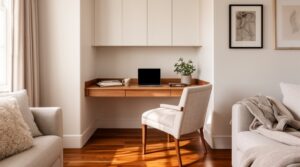
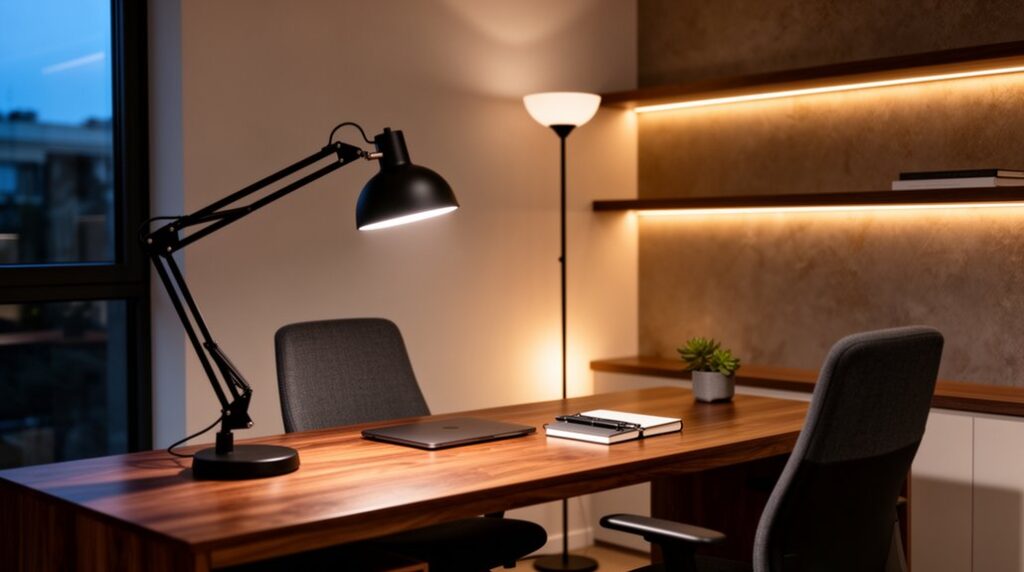
Start by zoning your office into task, perimeter, background, and display areas so light lands where you work and never where it glares. Set bright, focused task light at your desk, then layer dimmable ambient washes along walls or ceilings for a calm, modern glow. Match bulb color across sightlines (about 3500–5000K by day), and add bias lighting behind monitors for a soft halo. Up next, you’ll see fixture picks and smart scenes.
Map Your Home Office Lighting Zones First
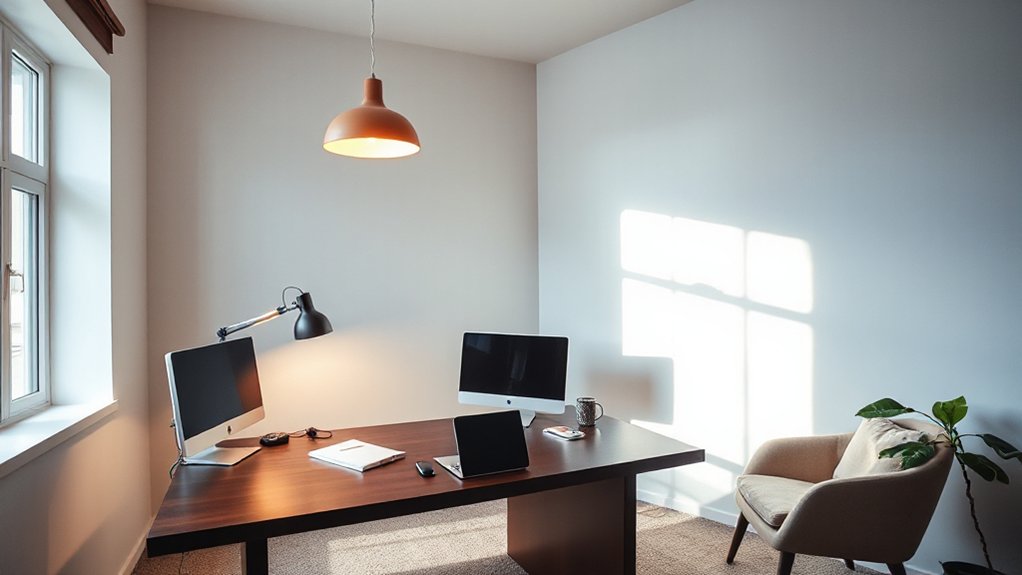
Before you buy a single fixture, walk your home office and divide it into lighting zones based on where you actually work and move. Start at your desk: mark task territory for calls, writing, and screen time.
Next, map a perimeter zone for circulation—doorway, shelves, printer, and cables—so you don’t cast shadows as you pass.
Add a background zone behind your monitor for video meetings, and a display zone for art, plants, or a bookcase that needs depth.
In your home office layout, note window directions and glare paths, then sketch outlets and switch locations to avoid awkward cord runs.
This lighting zone planning keeps modern layers intentional, not random, and makes upgrades modular.
Choose Brightness and Color Temperature (Lumens, Kelvin)
Once you’ve mapped your office into task, perimeter, background, and display zones, you can size each layer with the right brightness (lumens) and mood (Kelvin) instead of guessing.
Aim for higher lumen output where you read and write, moderate levels along the perimeter to keep walls visually “present,” and softer background light to prevent a cave effect.
Dial in color temperature to match how you use the room: 2700–3000K keeps evening work cozy, 3500K feels balanced for mixed use, and 4000–5000K reads crisp for daytime focus.
Keep Kelvin consistent across fixtures within a sightline so the space doesn’t look patchy.
If your office has north light, go slightly warmer; with warm wood finishes, avoid overly amber bulbs.
Add Modern Task Lighting to Cut Glare Fast
Because overhead fixtures love to bounce off glossy desks and monitor screens, you’ll cut glare fastest by layering in modern task lighting right where your hands and eyes work.
Park a slim LED desk lamp just off your dominant-hand side, then angle the head so light skims the page instead of firing into your eyes.
If you’re on dual monitors, clamp a bar-style light above the screens and tilt it down a few degrees to wash the keyboard without reflecting back.
Choose matte finishes and diffused lenses for built-in glare reduction, and keep the beam tight so it doesn’t spill across glass frames or polished wood.
A pivoting arm lets you “aim and lock” the hotspot for notes, calls, and quick edits.
Build Modern Ambient Lighting With Dimmable Layers
Now you’ll shape the room’s mood by stacking layered lighting zones—ceiling wash, wall glow, and a low perimeter line—so each surface reads clean and intentional.
You’ll tie them together with smart dimming controls, setting smooth fades and scene presets that shift from bright daytime clarity to soft evening warmth.
When you balance each layer’s brightness and color temperature, your space feels modern, flexible, and visually calm.
Layered Lighting Zones
While a single overhead fixture can light a room, it rarely gives you the control a modern space demands. Break your home office into layered lighting zones: ambient, task, and perimeter glow.
Start with a dimmable ceiling wash that evens out shadows. Then anchor your desk with a focused lamp aimed across the work surface to cut glare.
Add a Decorative accent in the background—an uplight on a plant, a picture light, or a slim shelf LED—to create depth on camera and soften hard corners.
Let Natural daylight drive your layout: place your monitor perpendicular to windows, and use sheer shades so daylight stays bright but controlled.
You’ll shift each zone to match calls, deep work, or evening wind-down.
Smart Dimming Controls
Where should you start if you want modern ambient lighting that shifts with your day? Add smart dimming controls to every layer you already use: overhead, task, and accent.
Put a dimmer on your ceiling fixture to soften the whole room, then fine-tune your desk lamp so your monitor doesn’t glare. For depth, dim LED strips under shelves or behind a monitor, letting light skim the wall and widen the space visually.
Choose automated lighting scenes—“Focus,” “Calls,” “Evening”—so one tap rebalances brightness across zones. Use warm, low-level output near seating and cooler, higher output at the work surface.
Dimming also boosts energy efficiency, cutting wattage and heat while keeping the office calm and modern.
Use Bias Lighting Behind Monitors to Ease Eye Strain
Because your monitor acts like a bright window in a dim room, adding bias lighting behind it instantly balances the contrast your eyes have to manage. Mount an LED strip along the rear edges of the display so the wall glows evenly, not in hotspots. Aim the light outward, not toward your face, and keep it about 10% of your screen’s brightness for steady eye comfort during long edits.
Choose a neutral white around 5000–6500K to match daylight interfaces, and place the monitor 6–12 inches from the wall so the halo reads soft, not harsh. If you use dual monitors, run one continuous line to unify the visual field.
This simple bias lighting upgrade makes your desk zone feel calmer and more spacious.
Pick Modern Fixtures and Smart Controls That Fit Your Style
Now you’ll want fixtures that match your room’s lines—matte-black linear pendants over an island, slim sconces framing a mirror, or a low-profile flush mount that keeps ceilings feeling taller.
You can pair that look with smart dimming and scene presets so “Work,” “Wind Down,” and “Movie” land at the right brightness and warmth.
Then you’ll run it all through an app or voice control, adjusting light by zone without breaking the flow of the space.
Sleek Fixture Style Choices
How do you choose a modern fixture that looks intentional from every angle in the room? Start by mapping sightlines: your chair, the doorway, and the camera view. A linear task lamp reads sleek at desk level, while Minimalist pendants float cleanly above a small meeting nook without crowding your ceiling plane.
Keep finishes consistent with your hardware—matte black for contrast, brushed nickel for a quieter blend—and repeat one shape twice to anchor the space.
Use geometric sconces to frame shelving or artwork, washing the wall and widening the room’s perceived footprint. Favor slim profiles and tight canopies so fixtures sit close to architectural lines.
Scale matters: choose a larger statement overhead in tall rooms, and compact heads in low ceilings. Check glare from monitors before you commit.
Smart Dimming And Scenes
When you build dimming and scenes into your lighting plan, the room shifts with your sightlines instead of fighting them. You’ll dial task zones bright at the desk, then taper ambient light toward the perimeter so walls stay calm and screens stay readable.
Choose fixtures with smooth, flicker-free dimming and consistent color so progressions feel intentional, not patchy. A slim linear pendant can run high output for focus, then drop to a soft glow for calls. A wall-wash sconce can widen the space by lifting vertical surfaces.
With lighting automation, you’ll trigger time-based fades that match your workflow without changing hardware. Prioritize scene customization: set “Deep Work,” “Review,” and “Reset” levels, and keep contrast controlled across monitor, desktop, and background.
App And Voice Control
Two controls can make modern lighting feel custom: an app for precise, room-by-room tuning and voice for hands-free shifts in the moment.
Place a slim linear pendant over your desk, then use app customization to set cool task light from 9–5 and warmer tones for late edits. If your monitor wall throws glare, nudge brightness down by 5% without leaving your chair.
Add a compact floor lamp in the reading corner and group it separately, so your desk stays crisp while the perimeter softens.
With voice activation, you can call “focus” before a meeting or “break” when you pivot to the sofa.
Choose fixtures with clean finishes—matte black, brushed brass, or opal glass—so controls feel seamless, not techy.
Frequently Asked Questions
Are LED Desk Lamps Safe to Leave on All Day?
Yes, you can usually leave LED desk lamps on all day if they’re certified and ventilated. You’ll maintain energy efficiency, manage heat, and tune color temperature. Place it away from fabrics, keep cords clear, and switch off.
How Do I Hide Power Cords for a Cleaner Lighting Setup?
Hide power cords by routing them behind your desk and along baseboards with cord management raceways, then use concealed wiring sleeves under the surface. Mount clips every few inches, and match covers to wall color.
What Lighting Is Best for Video Calls in a Home Office?
You’ll get the best video-call lighting by facing Natural light, adding task lighting, and softening shadows. Place a diffused key light at eye level, a dim fill to the side, and a subtle backlight.
Can Modern Lighting Increase My Home’s Resale Value?
Yes—modern lighting can boost resale value when you highlight clean sightlines and layered glow. You’ll win buyers with smart lighting installation and on-trend fixture selection that enlarges rooms, accents textures, and sharpens curb appeal.
Do Smart Bulbs Work With My Existing Wall Dimmer Switches?
Like Icarus with wax wings, you can’t assume smart bulbs fly on old dimmers. You’ll need dimmer compatibility: many require full power. Check smart bulb types—dimmable LEDs, Zigbee, Wi‑Fi—before installing and flickering.
Conclusion
Once you map your lighting zones, you can shape a home office that feels precise and current. Dial in lumens and Kelvin, then aim modern task lights to kill glare at the desk edge. Layer dimmable ambient fixtures overhead and in corners to soften shadows. Add bias lighting behind your monitor so your eyes stay steady. Finish with sleek fixtures and smart controls that adjust like a well-tuned camera, day to night.