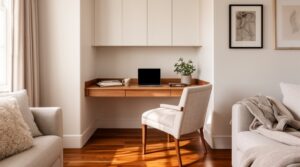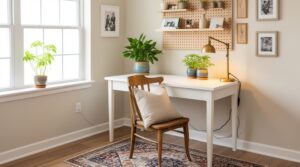
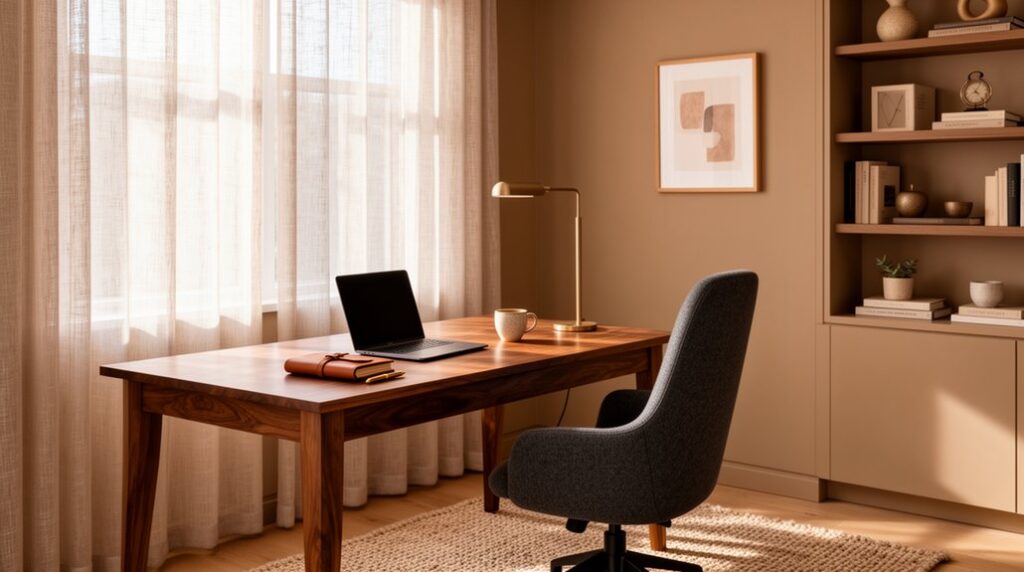
Plan your home office around your tasks, zoning for focused work, paper spread, and client calls, and place your desk where daylight won’t glare on screens. Choose a clean-lined desk (24–30 inches deep) and an ergonomic chair, then set monitor height and reach for all-day comfort. Layer warm-neutral ambient light, high-CRI task light, and a soft face light for video calls. Use matte finishes, tight storage, and hidden cables; next you’ll see how to refine each zone.
Plan Your Home Office Around Your Work
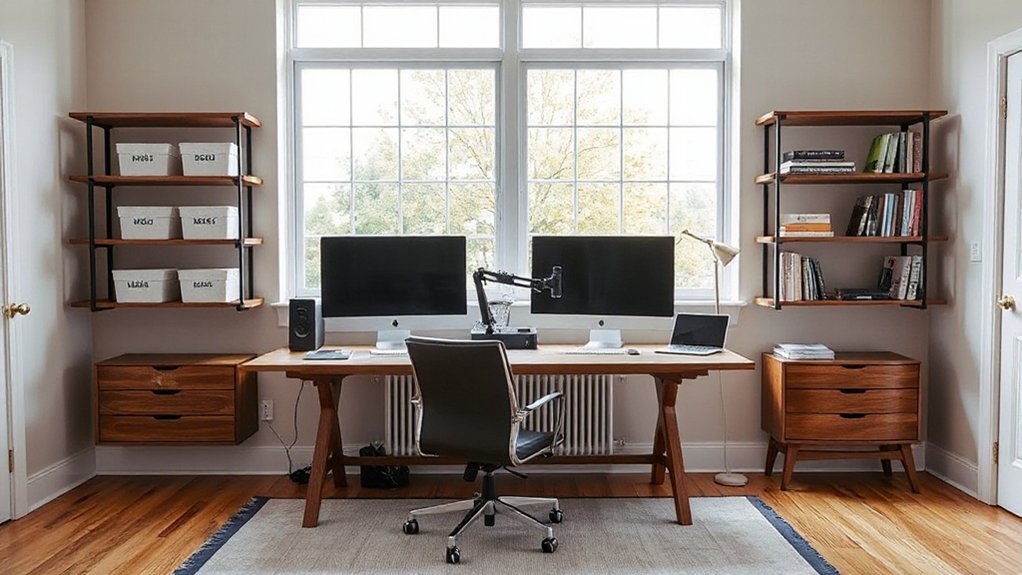
Before you pick finishes or furniture, map your home office to the way you actually work. Plot primary zones: focused computer time, paper spread, and client-facing video calls. Place the focus zone where daylight falls from the side to cut screen glare, and reserve the quietest wall for calls. Size circulation so you can pivot between tasks without bumping storage or cords.
Then specify materials that support performance. Add acoustic treatment where sound reflects first—rug underfoot, fabric panels behind the camera, and a dense curtain at the window. Choose wipeable surfaces near coffee and ink, and use a tackable backsplash for notes.
Workspace personalization comes from calibrated lighting levels, reachable charging, and a backdrop that matches your brand on camera.
Pick a Desk and Chair That Look Professional
Choose a professional desk that fits your room’s footprint and gives you clear zones for laptop, paperwork, and storage without crowding circulation.
Pair it with an ergonomic chair that supports long work sessions while keeping a clean, client-ready silhouette.
Then match finishes and colors—wood tone, metal sheen, and upholstery—so the set reads intentional and polished against your lighting and wall palette.
Select A Professional Desk
If your home office needs to read as credible on camera and feel efficient day to day, start with a desk and chair that look intentional and proportionate to the room. Choose a desktop depth that fits your monitor and note-taking without pushing you too close to the wall; 24–30 inches works for most layouts.
Prioritize clean lines, concealed cable paths, and a modesty panel if clients will see your background.
For Material options, select solid wood or veneer for warmth, powder-coated steel for a crisp, architectural feel, or a matte laminate if you need durability and easy cleaning.
Track Style trends by favoring slim profiles, soft corners, and integrated storage that keeps papers off-camera. Keep the finish consistent with nearby casegoods for a unified, professional read.
Choose An Ergonomic Chair
Once you’ve landed a desk with the right scale and a clean sightline for video calls, match it with an ergonomic chair that supports long sessions and still reads polished on camera. Prioritize ergonomic posture with a contoured back, proper lumbar depth, and a seat pan that lets your feet rest flat without compressing your thighs.
Choose adjustable seating—height, tilt tension, and arm width—so you can align elbows with the desktop and keep shoulders relaxed. Plan clearance: allow glide space behind the chair and confirm casters suit your flooring.
Look for durable, tactile materials like tight-weave upholstery or smooth leatherette that won’t wrinkle under use. A stable five-point base and quiet rolling protect focus and client-facing professionalism daily.
Match Finishes And Colors
Because your desk and chair anchor every video call, their finishes and colors should read intentional, calm, and consistent. Start by choosing one dominant material—walnut, white oak, matte black steel—and echo it across both pieces for clean finish matching.
If your chair is upholstered, treat it like a key surface: pick a neutral fabric (charcoal, stone, warm gray) that won’t shift under webcam lighting.
Build color palettes around three tones: a base, a mid, and an accent. Keep the base on large planes (desktop, chair back), reserve the accent for small items (lamp, tray).
Avoid high-gloss mixes; pair matte with matte to reduce glare and keep your background polished. Your clients will read it as competence.
Get Ergonomics Right for Long Days
Set your chair up to support you: adjust seat height and lumbar, and add a firm cushion or footrest if your flooring and chair materials run hard.
Align your desk and monitor so your elbows sit near 90 degrees and your screen meets eye level, using a monitor arm or riser that fits your surface and finish.
Plan movement into the layout—leave clear space to stand, stretch, and take quick breaks without disrupting your workflow.
Choose Supportive Chair Setup
While your desk and lighting shape the room, your chair setup determines how well you’ll actually get through long workdays. Choose a chair that lets you keep ergonomic posture without constant micro-adjusting: seat height that plants your feet, a seat pan that supports thighs without pressure, and adjustable armrests that relax your shoulders.
Prioritize lumbar support with a firm, height-adjustable curve that meets your lower back, not a plush pillow that collapses by noon. In tight rooms, spec a slimmer frame and casters that glide on your flooring; add a low-profile mat if needed.
For a professional look, pick wipeable performance fabric or top-grain leather in a neutral tone, and match the base finish to nearby hardware. You’ll work longer, comfortably.
Optimize Desk And Monitor
A supportive chair does its best work when it meets a desk and monitor that fit your body, not the other way around. Set your desk height so your forearms float level to the surface and your wrists stay neutral; a slim wood or laminate top feels warm, while a matte finish cuts glare.
Keep knees comfortably under the apron with clear legroom, and choose a desk depth that leaves space for hands and a notepad without crowding.
Dial in monitor placement: center it straight ahead, set the top third near eye level, and keep it an arm’s length away. If you use two screens, angle them in a shallow V.
Corral cables and tools with disciplined Desk accessories: a low tray, pen cup, and hidden power strip.
Add Movement And Breaks
Even if your chair and screen feel perfect, your body still needs frequent position changes to stay comfortable through long days. Plan your layout so movement feels effortless: leave a clear 36-inch path behind your chair, and place storage a few steps away to prompt micro-walks.
Add a slim sit-stand converter or a standing mat in cork or wool felt for quieter, softer footing that still looks tailored.
Schedule stretch breaks into your workflow: set a timer every 45–60 minutes, then do shoulder rolls, hip hinges, and calf raises as quick movement exercises.
Keep a compact foam roller or massage ball in a linen bin, and mount a discreet wall hook for resistance bands. You’ll stay energized and look composed on calls.
Set Up Lighting for Focus and Video Calls
Because your lighting has to serve both deep work and on-camera clarity, start by planning it in layers: ambient, task, and face light.
Use dimmable ambient lighting to even out the room and reduce harsh contrast on screens; a warm-neutral 3000–3500K keeps finishes looking true.
Add a focused task lamp with a matte shade and high CRI so paper and fabric textures read accurately.
For calls, place a dedicated face light just above eye level, 30–45 degrees off your camera positioning, so you avoid under-eye shadows and glare on glasses.
Control daylight with a sheer plus blackout roller, and aim fixtures away from glossy desktops to prevent reflections.
Keep controls within reach for quick scene shifts.
Build a Clean, On-Camera Background
When you treat your background like a small, styled wall elevation, you’ll look more polished on calls and keep visual noise from competing with your face. Start by choosing one “hero” surface behind you and keep the camera square to it so lines read intentional.
Use a matte paint or a low-sheen wallpaper to reduce glare and moiré, and anchor the composition with one medium-scale piece of wall art centered at eye level.
Then layer two to three decorative accessories on a narrow ledge or wall-mounted shelf: a sculptural object, a plant with a clean silhouette, and a textured book stack.
Limit the palette to two neutrals plus one accent color, and repeat finishes (black metal, light oak) so the scene feels designed, not improvised.
Organize Storage to Keep Clutter Off Your Desk
A polished on-camera backdrop only works if your desktop stays calm, so treat storage like part of the layout, not an afterthought. Map your daily tools into zones: primary reach on the desk, secondary within one step, archive out of sight.
Choose Storage solutions that match your workflow and footprint—low credenzas behind you, slim drawer units under the worktop, and closed wall cabinets to reduce visual noise.
Specify materials that wear well: powder-coated steel for file drawers, wood veneer for warmth, and felt-lined trays to protect devices. Use vertical dividers for papers, labeled folders for client projects, and a single “inbox” bin to batch processing.
Commit to clutter control with a weekly reset: empty the inbox, shred, and return everything to its assigned home.
Add Decor That Feels Polished, Not Busy
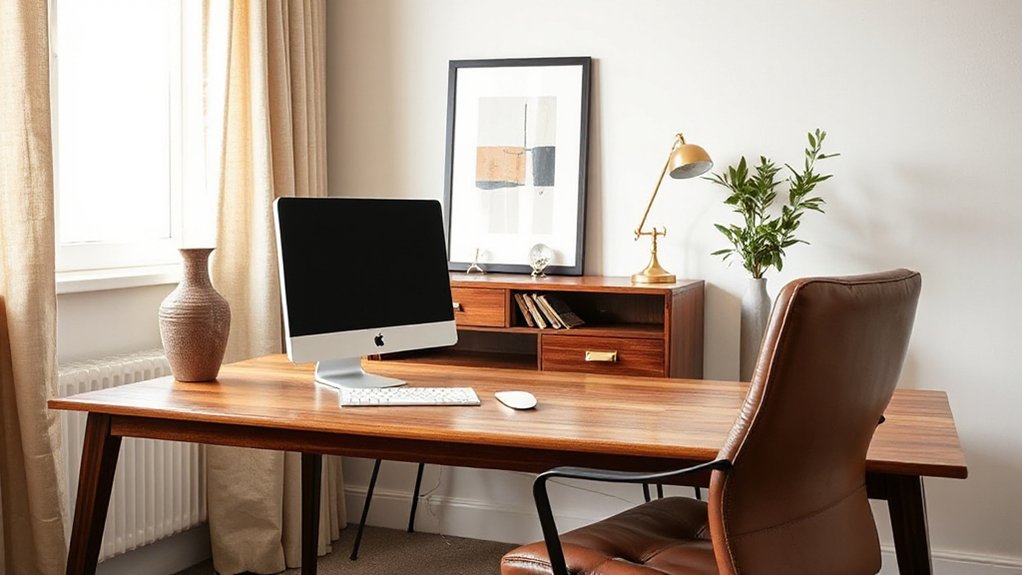
Even if you love collected objects, you’ll get a cleaner, more elevated office by treating decor like a controlled layer over the plan. Start with a Neutral palette so your work reads as the priority, then add contrast through texture: matte ceramic, oiled wood, brushed metal, or linen.
Limit yourself to three “zones” of styling: one vertical moment behind you for calls, one tabletop vignette, and one softening element. Choose Minimalist accents that reinforce purpose—an architectural desk lamp, a single framed print, a lidded catchall for daily tools.
Keep scale aligned to the room: larger pieces read calmer than many small ones. Repeat one finish twice to look intentional. Leave negative space so your eye rests and clients see order, focus, and confidence.
Hide Cables and Streamline Your Desk Tech
Because visible cords cut across clean sightlines and make a well-planned office feel improvised, you’ll get an instant upgrade by consolidating power and routing every lead along the shortest, hidden path. Mount a slim power strip under the desktop, then run cables through an adhesive raceway that matches your wall paint or desk finish for seamless cable management.
Choose a desk with a rear grommet or add a brushed-metal grommet to protect surfaces and keep lines tight. Park chargers in a lidded box, label each plug, and commit to one docking station so you’re not stacking adapters.
For tech organization, align monitor, laptop stand, and speakers on a single axis, then tuck peripherals into a felt tray when you’re off-camera. You’ll look sharper instantly.
Frequently Asked Questions
How Do I Soundproof a Home Office for Calls and Concentration?
You’ll cut noise by sealing gaps with weatherstripping, adding a solid-core door, and layering thick rugs and drapes. Use Soundproofing techniques like mass-loaded vinyl, and place Acoustic panels at reflection points for clearer calls.
What Paint Colors Make a Home Office Feel More Professional?
Choose crisp whites, soft greige, cool light gray, or muted navy to signal competence via color psychology. Use matte for walls, eggshell for durability, satin on trim—smart paint finishes. You’ll keep focus, calm clients, and elevate.
How Can I Create a Stylish Office in a Rental Without Drilling Holes?
You can style a rental office without drilling by using peel-and-stick hooks, tension rods, and leaning shelves. Add Decorative lighting, choose Ergonomic furniture, and layer a low-pile rug and linen curtains to define zones.
What’s the Best Way to Add Plants Without Making the Space Look Cluttered?
Add a few green accents, not a jungle: use layered plants placement in corners, shelves, and a single desktop pot. You’ll master clutter management by repeating matching planters and choosing airy foliage, varied heights.
How Do I Keep My Home Office Comfortable Without Increasing Energy Bills?
You’ll stay comfortable without higher bills by zoning: choose ergonomic furniture, layer breathable textiles, and rely on natural lighting. Seal drafts, add a task fan, and use an area rug to warm feet efficiently.
Conclusion
When you plan your home office like a well-cut suit, everything fits your work. You’ve anchored the room with a desk and chair that read as professional materials—wood, metal, or tailored upholstery—then tuned ergonomics so long days don’t wear you down. Layered lighting keeps focus sharp and your face clear on calls. A calm backdrop, concealed storage, and hidden cables turn clutter into silence, so your ideas take the floor.