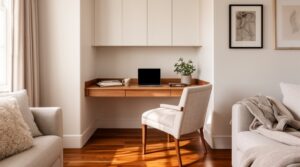
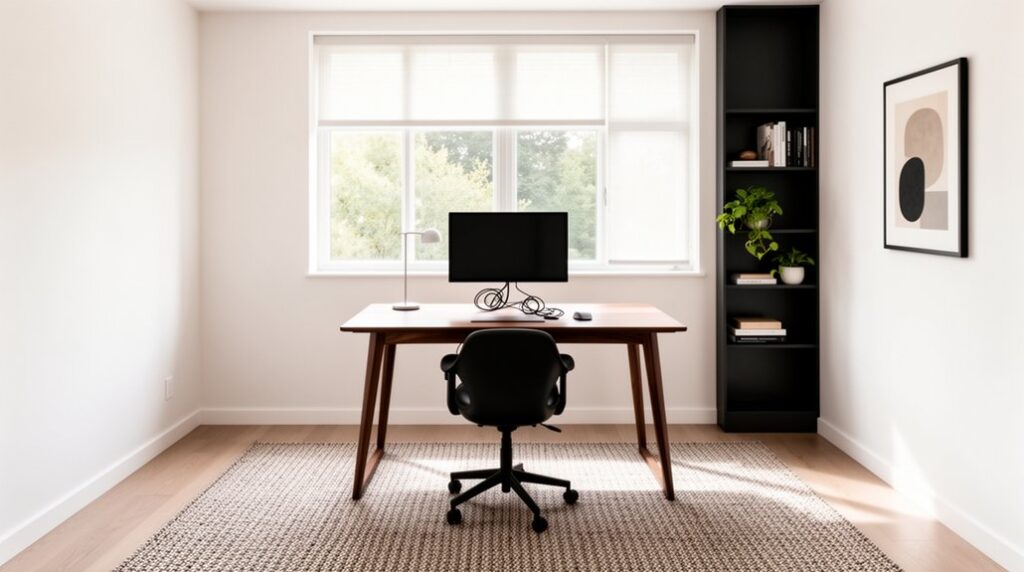
Start by measuring your spare room and sketching a scaled plan, keeping 30–36 inch walkways and clear zones for work, storage, and lounging. Place a slim, modern desk perpendicular to the window to control glare, and align it with outlets so cords don’t cross the floor. Add an ergonomic chair and set your monitor’s top third at eye level. Layer dimmable lighting, hide cables in trays, and use acoustic panels or drapery—next, you’ll refine storage and tech.
Measure Your Spare Room and Plan the Modern Home Office Layout
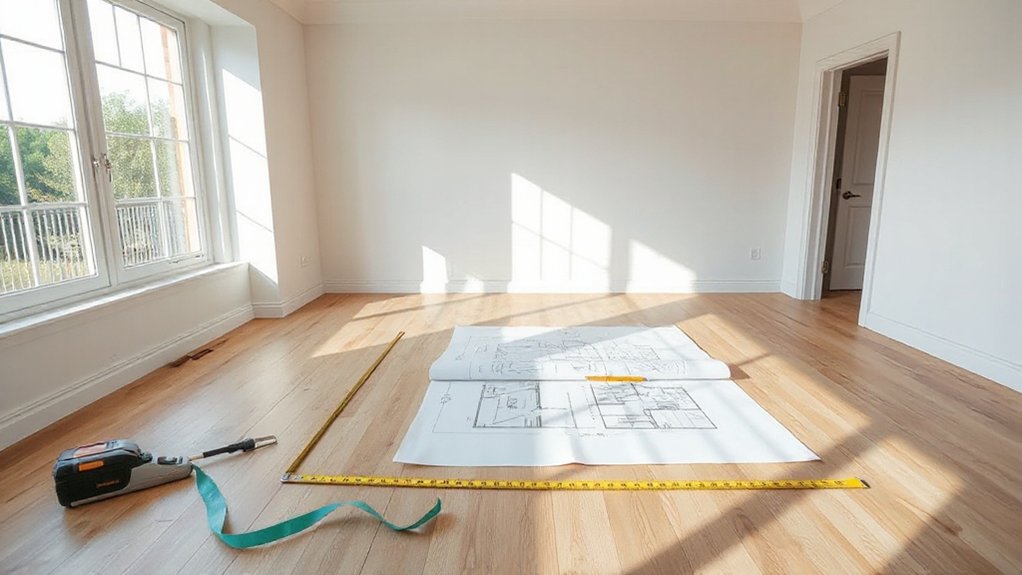
Before you buy a desk or pick a paint color, measure the room with a tape measure (length, width, ceiling height) and note every fixed element—door swing, windows, baseboards, outlets, vents, and any awkward nooks.
Translate those Room dimensions into a quick scaled sketch or a digital floor plan, then block in circulation first: keep 30–36 inches for walkways and clear the door arc.
Plan furniture placement with modern proportions: slimmer storage, wall-mounted shelving, and low-profile credenzas that won’t crowd sightlines.
Mark zones for work, storage, and a compact lounge perch, aligning edges to create clean, contemporary lines.
Check ceiling height for vertical cabinets or acoustic panels, and confirm window widths for streamlined shades.
Place Your Desk for Light, Outlets, and Workflow
Place your desk where daylight lands across your work surface—ideally perpendicular to the window—so you get bright, glare-controlled light on screen.
Align it with outlet zones so power and data run cleanly under the desk or along a wall channel, not across your walking path.
Then tune the workflow by keeping the chair clear, the main storage within a single pivot, and the door-to-desk route unobstructed for a modern, efficient layout.
Maximize Natural Light
Where does your desk belong if you want that clean, modern “daylit” look without fighting glare or tangled cords? Float it perpendicular to the window so daylight washes across your work surface, not straight into your eyes. If your view is inspiring, angle the desk 10–15 degrees to keep sightlines while softening reflections on screens.
Treat the window like a lighting tool: layer sheer window treatments for diffusion and add a blackout roller for video calls or late-afternoon sun. Keep the sill clear, and choose low-profile plants to bounce light without blocking it.
Support brightness with crisp interior color schemes—warm whites, pale greiges, and matte finishes—to reduce hotspots. Add a mirror opposite the window to extend daylight deeper into the room and keep your task lamp as a controlled accent.
Plan Outlet Access
Natural light gives you that modern, airy look, but your layout only feels polished when power access is just as intentional. Before you commit to a desk wall, map every device: monitor, laptop dock, task lamp, charger, printer. Then choose a position that reaches at least two outlets without stretching cords across open floor.
Treat power outlet placement like a finish detail. If outlets sit low and far, plan a slim cable raceway in the same paint color, or add a surface-mounted power strip under the desktop to keep plugs hidden.
Anchor cords with adhesive clips so they drop straight down, not diagonally. For electrical safety, avoid daisy-chaining strips, keep adapters ventilated, and leave clearance behind the desk for heat and access.
Optimize Workflow Path
Once you’ve mapped your power and devices, dial in a workflow path that lets you move from entry to desk to storage without weaving around chair legs or trailing cords. Place your desk within easy reach of outlets, then align it to capture daylight from a side window to cut screen glare.
Keep a 36-inch clear lane behind your chair, and position filing and printer zones on your dominant-hand side for fast reach. Use a slim credenza or rolling cart to bridge tasks without blocking circulation.
Route cables along baseboards and under-desk trays so your feet never snag. Anchor the layout with cohesive Color schemes, then sharpen sightlines with minimal decor accents that don’t steal surface area or distract.
Pick an Ergonomic Desk Chair and Monitor Setup
If you’re going to invest in one upgrade that changes how your home office feels hour to hour, make it an ergonomic chair paired with a properly aligned monitor setup.
Start with ergonomic seating that supports your lumbar curve, lets your feet plant flat, and keeps elbows at roughly 90 degrees. Choose a slim-profile chair with a refined frame to match modern lines and visually open a small spare room.
Dial in monitor placement like you’re planning a gallery wall: center the screen to your body, set the top third at eye level, and keep it an arm’s length away.
If you run dual displays, angle them in a shallow V and align their heights. Add a monitor arm to free desk depth and maintain clean sightlines.
Add Storage That Keeps the Home Office Clutter-Free
You’ll keep your modern home office visually calm by planning storage as part of the architecture, not an afterthought. Install built-in shelving that runs wall-to-wall or floats above the desk to park books, trays, and tech without eating floor space.
Then layer in hidden-storage furniture—file drawers disguised in a credenza or an ottoman with a lift-top—so daily clutter disappears on cue.
Built-In Shelving Solutions
While a sleek desk and chair set the tone, built-in shelving does the heavy lifting that keeps a modern home office looking intentional. Start by mapping vertical zones: everyday supplies at arm’s reach, reference books higher, display pieces in the sightline.
Mix floating shelves with closed cubbies to balance airy minimalism and visual calm. Use wall mounted units over the printer zone to reclaim floor space and keep cables tucked behind a back panel.
Run shelves to the ceiling for a custom, architectural look, and align edges with your desk for clean datum lines. Choose matte white or warm oak to match today’s Scandinavian-leaning palettes, then add integrated LED strips for task glow and shadow-free corners.
Use matching bins to maintain order.
Hidden Storage Furniture
Because modern offices succeed on clean sightlines, hidden storage furniture lets you absorb the day-to-day mess without adding visual weight. Start with a desk that has shallow drawers and a cable trough, so chargers, adapters, and receipts disappear fast.
Add an ottoman bench with lift-top storage along the shortest wall; it doubles as guest seating while stashing notebooks and extra peripherals.
Choose a credenza with push-latch doors and adjustable dividers to zone paper, tech, and supplies.
Look for hidden compartments in a monitor stand, side table, or printer cabinet to keep small items off your work surface.
The best multifunctional furniture keeps circulation clear: maintain a 36-inch path, align heights, and keep door swings out of walkways.
Light Your Modern Home Office for Screens and Focus
If your spare room office revolves around a monitor, the lighting plan needs to do more than look good—it has to control glare, reduce eye strain, and keep your focus steady.
Place your desk perpendicular to the window so daylight washes the wall, not your screen, minimizing Screen glare.
Use layered light: a dimmable ceiling fixture for even fill, a task lamp with a wide shade and high CRI for accurate color, and a soft backlight behind the monitor to balance contrast.
Set bulbs to 3000–3500K for clean, modern Lighting ambiance that won’t feel clinical.
Add a floor lamp in the far corner to eliminate harsh shadows and visually expand the room.
Aim fixtures away from glossy art, frames, and glass surfaces.
Set Up Home Office Tech, Wi‑Fi, and Cable Control
Once you’ve mapped the desk, monitor, and lighting zones, lock in the tech backbone so everything runs fast and stays visually clean. Place your router centrally or add a mesh node near the office to eliminate dead spots without cluttering sightlines.
Hardwire priority devices through a slim floor raceway or baseboard channel, then hide the switch in a ventilated cabinet. Enable wireless security with WPA3, a guest network, and automatic firmware updates to protect work and smart devices.
For cable control, mount an under‑desk tray, route lines down a single spine, and label both ends for quick swaps. Use a USB‑C dock to consolidate power, display, and peripherals, and tie it into smart home integration for voice‑controlled lighting and scheduled shutdowns.
Reduce Noise and Distractions for Better Work Calls
Clean cabling and strong Wi‑Fi keep your setup efficient, but call quality still falls apart when sound bounces, doors slam, or household traffic cuts through the room. Start with zoning: place your desk on an interior wall, away from windows and the hall, so you’re not broadcasting noise.
Layer modern soundproofing techniques without bulky builds. Seal gaps with a door sweep and perimeter weatherstrips. Add a thick rug pad under a low‑pile rug, and hang lined drapery or acoustic panels in a tight grid behind your monitor. A bookcase loaded with irregular objects doubles as a diffuser.
For distraction minimization, set a visual boundary with a screen, schedule “quiet blocks,” and keep a white‑noise app ready for surprise interruptions.
Frequently Asked Questions
How Much Does It Cost to Convert a Spare Room Into an Office?
You’ll typically spend $500–$5,000 to convert a spare room into an office. You’ll budget for furniture arrangement, ergonomic seating, and built-ins, plus lighting options like layered LEDs, task lamps, and smart dimmers.
Do I Need Permits to Turn a Spare Bedroom Into a Home Office?
You usually don’t need permits for a simple home office refresh, but you must check Building codes and zoning regulations if you add walls, wiring, plumbing, or egress changes—especially for built-ins and lighting upgrades.
What Paint Colors Make a Modern Home Office Feel Larger?
You can’t go wrong with crisp whites, soft greiges, and pale cool blues to make your modern office feel larger. Use color psychology and lighting techniques: satin finish, ceiling 10% lighter, layered LEDs, daylight bulbs.
How Can I Make a Home Office That’s Renter-Friendly and Removable?
Choose peel-and-stick wallpaper, removable hooks, and clamp-on lighting so you won’t damage walls. Use modular Storage solutions like rolling drawers and cube shelving. Layer renter-safe Decorating tips: washable rugs, art ledges, compact desk.
Which Plants Are Best for a Low-Maintenance Modern Office?
Pick succulent arrangements and air purifying plants like snake plant, ZZ, pothos, and peace lily—they’re practically immortal. Cluster small pots on a slim shelf, anchor one tall floor plant in a corner, keep lines clean.
Conclusion
You’ve measured with intent, planned with precision, and placed your desk where daylight and outlets work for you. You’ve chosen an ergonomic chair, tuned your monitor height, and added storage that hides clutter and shows style. You’ve layered task lighting, softened glare, and controlled cables for a cleaner modern look. You’ve strengthened Wi‑Fi, streamlined tech, and reduced noise for crisp calls. Now your spare room doesn’t just look modern—it works modern, every day.