
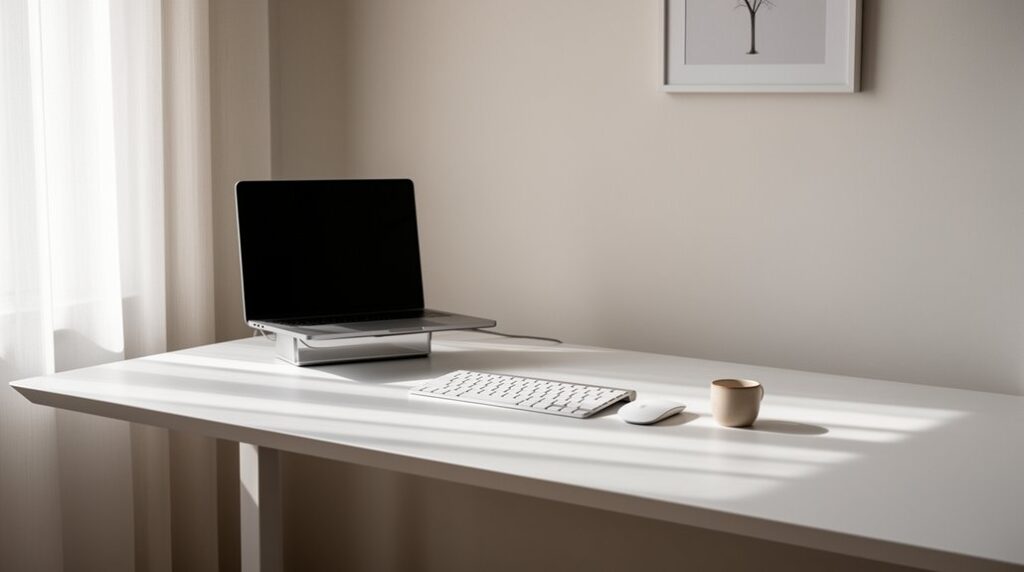
Start with only daily essentials: a stable desk, supportive chair, task light, and a laptop stand with an external keyboard and mouse. Add one power solution, plus one headset or mic for calls. Center your screen at eye level, keep a clear writing zone, and set a left-to-right flow that matches your dominant hand. Mount a slim power strip under the desk and clip cables along the back edge. Up next, you’ll fine-tune calls, comfort, and clutter control.
Choose Minimalist Desk Essentials (and What to Skip)
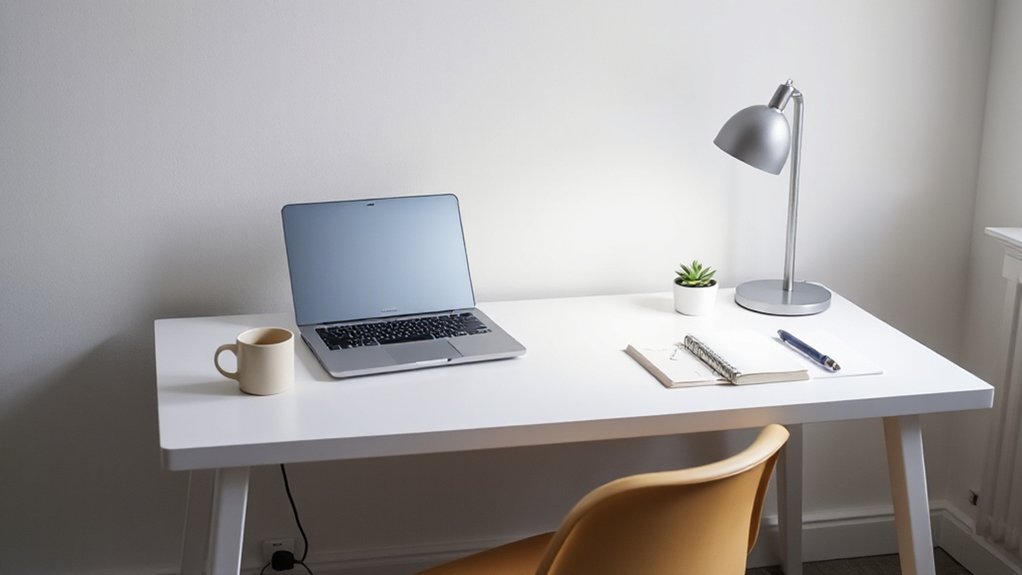
If you want a minimalist desk that still works hard, start by choosing only what you’ll touch every day: a stable desk, a supportive chair, a task light, and one input setup (laptop stand + external keyboard/mouse, or a single all-in-one).
Add one power solution (a slim surge strip or USB‑C hub) and one sound option if you take calls.
Keep desk organization tight: a single pen, one notebook, and a tray for small tools beats scattered piles. Skip duplicates, novelty gadgets, and bulky speakers. Don’t stockpile cables; keep only what fits your devices.
Choose storage that disappears: an under-desk hook for headphones, a closed box for chargers.
Finish with restrained decorative accents: one plant or print, nothing more.
Build a Minimalist Desk Setup Layout That Flows
With your desk essentials pared down, the layout is what makes them feel effortless to use. Center your monitor or laptop at eye level, then place your keyboard and mouse in a straight, comfortable line. Keep a clear “work zone” in front of you for writing and quick sorting.
Build left-to-right flow based on your dominant hand: frequently used items within a forearm’s reach, occasional tools one step farther. Add a slim tray or vertical stand to store papers upright and free surface area. Limit Decorative accessories to one purposeful piece, like a small plant or a clean-lined clock, so it doesn’t interrupt tasks.
Choose Color schemes with one neutral base and one muted accent to guide focus. Leave at least a hand’s width of open space along edges.
Hide Cable Clutter in Your Minimalist Setup
Because a minimalist desk lives or dies by clean sightlines, you need to route every cable on purpose instead of letting it sprawl across your surface. Start by choosing one power path: mount a slim power strip under the desk, then run a single cord to the outlet. Use adhesive clips or a cable tray to keep lines tight along the rear edge.
Next, reduce what you must hide. Swap peripherals to Bluetooth and add a wireless charging pad so your phone and earbuds don’t need daily plug-ins.
Bundle the remaining cords by function—monitor, laptop, audio—and label each end for quick swaps. Leave a small service loop for movement, then tuck everything into a sleeve or raceway. Good cable management keeps your setup calm and easy to reset.
Look Great on Calls: Lighting, Webcam, Background
Even a spotless desk can look flat on camera, so dial in three elements that read instantly: light, lens, and backdrop.
Put a small key light slightly above eye level, aimed at your face, and use daylight from the side, not behind you. Keep brightness consistent to avoid exposure hunting.
Mount your webcam at eye height; if you use a laptop, raise it on a slim stand and frame from mid‑chest up.
Clean the lens, lock focus, and choose 1080p if bandwidth allows.
For background, keep one calm plane: a blank wall, a single plant, or tidy shelving. If you can’t, use virtual backgrounds with even lighting.
Pair it with noise cancellation for crisp audio.
Minimalist Ergonomics: Comfort Without Bulky Gear
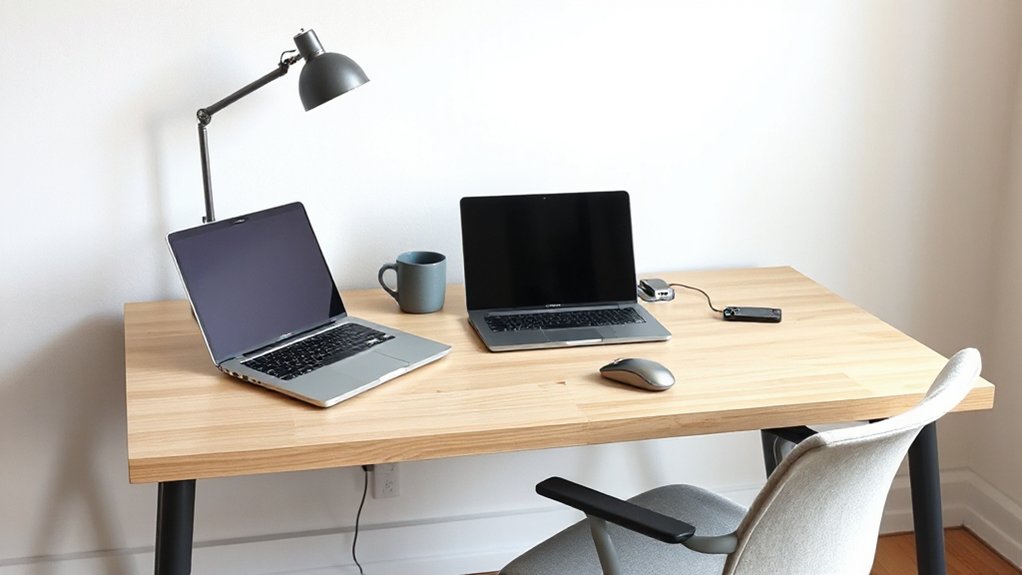
Once your lighting and background look dialed in, your body still needs a setup that feels good for hours without turning your room into an office.
Start with Ergonomic posture: stack ears over shoulders, ribs over hips, and keep feet flat. If your desk is fixed, raise your chair and add a slim footrest or a book to prevent dangling legs.
Make chair adjustments your first upgrade, not new gadgets. Set seat height so elbows hover at 90 degrees and wrists stay straight.
Dial lumbar support with a rolled towel; it disappears when you’re off the clock.
Use a thin laptop stand plus a compact keyboard to lift your screen to eye level without adding bulk.
Take two-minute reset breaks each hour to stay aligned.
Frequently Asked Questions
How Do I Maintain a Minimalist Setup With Kids or Pets at Home?
You maintain minimalism by zoning clutter, using closed bins, and enforcing quick resets. Choose Kid proof organization with labeled lidded storage, and Pet friendly decor with wipeable fabrics. You’ll keep only essentials, store extras, rotate toys.
What’s the Best Minimalist Setup for Dual Monitors or Ultrawide Screens?
Like a wide window cut into your desk, mount an ultrawide or two matching monitors on a single arm. Center eye level, align edges for monitor positioning. Hide lines with under-desk cable management trays.
How Can I Create a Minimalist Workspace in a Shared Room or Studio?
You can carve a minimalist workspace by zoning with a slim desk and vertical storage. Choose space saving furniture, use monochrome color schemes, hide cables, and store gear in closed bins so the room stays calm.
Which Minimalist Brands Offer Durable, Sustainable Office Accessories?
You’ll find durable, sustainable office accessories from Muuto, Hay, and Skagerak, plus Bellroy and Grovemade. Choose Eco friendly materials like FSC wood, recycled aluminum, wool felt. Their Scandinavian design stays clean and functional.
How Often Should I Declutter and What’s the Quickest Reset Routine?
Schedule swift, simple sweeps: you should do a 5-minute daily tidy, a 20-minute weekly reset, and a monthly purge—your decluttering schedule. Quickest routine: clear surfaces, sort papers, stow tools, wipe, reset essentials. Organizational hacks work.
Conclusion
Right when you clear that last stray cable, your next call pops up—and you notice you look sharper, sound clearer, and think faster. That’s the coincidence: less on your desk gives you more in your day. You’ve kept only the essentials, laid them out for flow, tucked clutter out of sight, and dialed in light and background. Now your setup fades into the background, and your work stays front and center.