
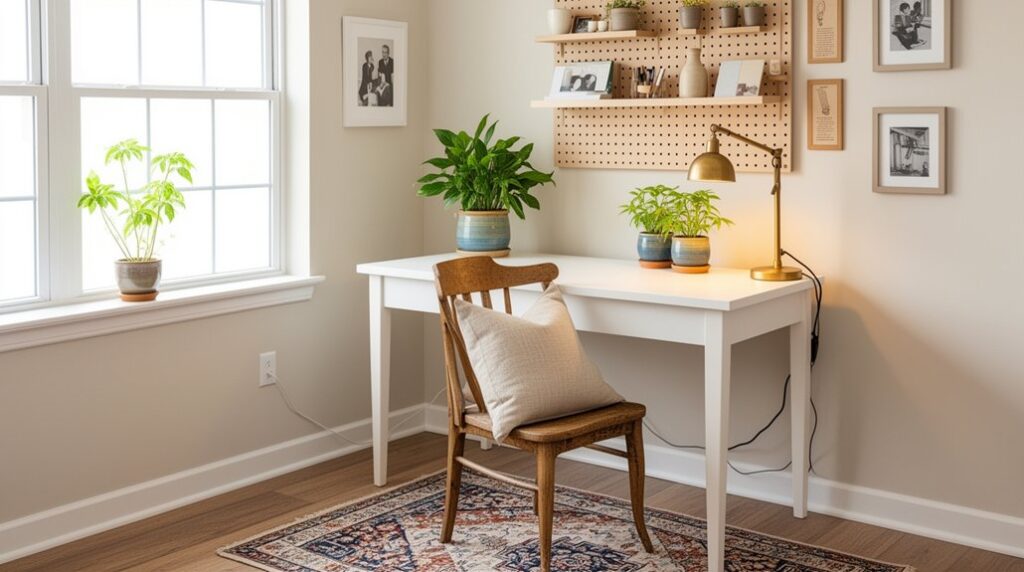
Reset your home office fast: set a 15‑minute timer, clear the desktop to a single work zone, and drop loose papers into a tray. Reposition the desk toward natural light, then group supplies into clear zones for tools, charging, and reference. Bundle cords with Velcro ties and route them behind the desk with clips. Warm up the space with a neutral desk mat, a warm‑white lamp, and a simple textile accent. Keep going for more easy upgrades.
Do a 15-Minute Home Office Reset
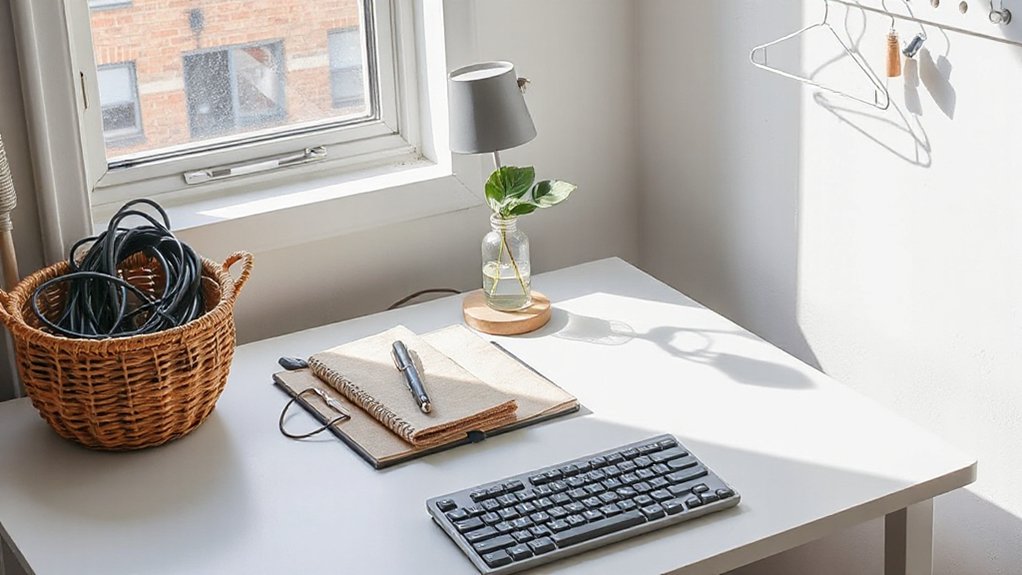
If your home office feels stale, a 15‑minute reset can snap it back into focus fast. Set a timer. Clear your desktop to one work zone: laptop, notebook, pen. Drop loose papers into one tray, then wipe the surface so light reflects cleanly. Coil cords, tuck them along the back edge, and free a small “landing strip” for your phone and mug.
Next, reset comfort: center your chair, level your monitor, and place ergonomic accessories—wrist rest, footstool, lumbar cushion—where you’ll actually use them.
Finish with quick color control: swap in one crisp decorative accent, like a matte-black catchall or a warm terracotta pencil cup, and straighten one framed print for balance. Done.
Rearrange Your Layout Using What You Own
Shop your home first—pull in a slim side table, an unused lamp, or a storage basket that matches your room’s palette to add function without clutter.
Reposition your desk and chair to face natural light, clear a tight walkway, and keep cords tucked so the setup feels crisp and intentional.
Create distinct work zones by grouping like items—daily tools within arm’s reach, reference shelves nearby, and a separate spot for printing or charging—to make the room run smoother.
Shop Your Home First
Before you spend a dime, walk through your home with fresh eyes and “pull” from what you already own to reset your office layout. Borrow a slim console as a printer perch, repurpose a bar cart for charging gear, or slide a basket under a shelf for instant storage solutions.
Match pieces by finish and tone: pair warm wood with cream textiles, or echo black metal in frames and lamp bases for a cleaner line. Add a mirror to bounce daylight, then corral visual noise with lidded boxes, trays, and bookends.
Shop other rooms for ergonomic accessories, too—an unused lumbar pillow, a footstool, or a firm cushion can upgrade comfort fast.
Tight on space? Rotate in one vertical shelf and clear the floor.
Reposition Desk And Chair
Once you’ve pulled in the right pieces from around the house, repositioning your desk and chair can make the whole office feel new without buying a thing. Slide your desk to capture natural light, but angle the monitor to cut glare and keep your screen colors true.
Center your chair so your elbows sit near 90 degrees and your feet rest flat—simple ergonomic positioning that reduces end‑of‑day fatigue.
Measure the “walkway” behind you, then nudge the desk a few inches at a time for better space optimization and cleaner lines. Tuck cords along the back edge, and rotate the chair so you don’t scrape walls or snag rugs.
Finish by aligning the desk with a strong visual anchor—window trim, a bookshelf, or a bold art edge.
Create Distinct Work Zones
Even if your home office fits in a corner, you can make it feel larger by carving it into clear work zones using what you already own. Angle your desk toward the brightest wall to claim a focused “task zone,” then place your chair so your elbows stay level—easy ergonomic improvements without buying a thing.
Next, create a “reference zone” with a book stack, tray, or shallow basket on the side of your desk; keep only current projects there to reduce visual noise.
Use a spare shelf, rolling cart, or even a lidded box as storage solutions for cords, chargers, and paper, and tuck it behind your monitor to hide clutter.
Finish with color cues: a neutral mat under your keyboard, a darker bin for supplies, and one small accent item to anchor the space.
Hide Cables and Clear Desk Clutter for Cheap
When your desk looks clean but still feels chaotic, exposed cords and stray gadgets usually take the blame. Start with cable management: bundle matching cords with Velcro ties, then route them down a table leg using adhesive clips. Hide the power strip in a thrifted magazine holder or a painted shoebox that matches your desk tone—matte black disappears, warm white blends, and woodgrain keeps it cozy.
Next, tackle clutter reduction by giving every small item a “home.” Corral chargers, pens, and adapters into a divided drawer tray or repurposed ice-cube tray. Mount a cheap command hook under the desktop for headphones, and use a slim file sorter to stand notebooks upright. You’ll free surface space and keep your palette calm.
Upgrade Home Office Lighting for Less
Why let harsh overhead glare flatten your workspace when a few low-cost lighting swaps can sharpen focus and warm up the room? Start by replacing cold, buzzing bulbs with Energy efficient bulbs in a soft white (2700–3000K) for cozy tasks, or a neutral 3500K for balanced screen work.
Add a plug-in desk lamp with a slim base to save surface area, and aim it across your keyboard to cut shadows. Use an adhesive LED strip under a shelf to brighten corners and make the room feel larger.
Try Smart lighting with an inexpensive bulb: set schedules, dim for calls, and shift cooler light during deep work. Finish with a light-colored shade to diffuse glare and echo your wall tone.
Make Your Chair Comfortable With Low-Cost Fixes
Start with a slim lumbar support cushion in a color that matches your desk setup, so your lower back stays aligned without adding bulk.
Then refresh the seat with an inexpensive foam pad or folded throw for extra comfort and a cleaner look.
Finish by dialing in chair height and armrests so your elbows sit level with the desktop and your feet rest flat, keeping your workspace tidy and ergonomic.
Add Lumbar Support Cushion
One small cushion can make your chair feel custom-fitted without the price tag. Slide a lumbar support cushion against the backrest so it meets the inward curve of your lower spine, then sit down and adjust until your hips feel level.
You’ll notice better ergonomic posture right away, especially during long emails or video calls. Choose a slim profile to keep your chair from jutting into walkways, and pick a cover color that blends with your desk palette—charcoal for a calm, minimal look or a muted terracotta for warmth.
If your chair has straps, cinch them tight; if not, use a non-slip gripper pad. Keep it centered so you don’t twist.
Upgrade Seat Padding Cheaply
Even if your chair’s frame still feels solid, a flattened seat cushion can quietly wreck your comfort by pressing your hips into the base. Swap in a slim foam cushion sized to your seat pan so it doesn’t overhang and crowd your desk zone.
Choose medium‑firm foam for support, then add a washable cover in a calm neutral or a deep accent color that ties to your rug or wall art. If you want a tighter look, wrap the cushion with a fitted pillowcase and secure it underneath with safety pins or hook‑and‑loop strips.
For a quick fix, layer dense seat padding cut from a camping mat, then top it with a thin towel to prevent sliding. Your posture feels steadier immediately.
Adjust Height And Armrests
If your chair’s height or armrests sit just a bit off, you’ll feel it in your shoulders and wrists long before you notice the cause. Start with height: set your feet flat, knees at about 90 degrees, and raise or lower until your hips sit slightly above your knees.
If your desk is fixed, add a slim footrest (even a sturdy shoebox wrapped in a neutral fabric) to save space and keep lines clean.
Next, tune armrests: drop them so your shoulders stay relaxed, then slide them in so your elbows skim your sides. No adjustable components? Strap on padded sleeves, or use adhesive felt and a folded microfiber cloth in a charcoal or sand tone. These ergonomic adjustments look intentional and stay budget-friendly.
Add Quick Color With Textiles and Peel-and-Stick
When your home office feels flat, textiles and peel-and-stick upgrades deliver fast color without taking up an inch of extra space. Start with Textile accents that multitask: a slim lumbar pillow, a low-profile seat pad, or a short runner under your chair to soften noise and add a defined color lane.
Then layer peel and stick decor where your eye lands most—cabinet fronts, drawer faces, or a single wall panel behind your monitor. Choose small-scale patterns or tight stripes to keep the room crisp, and repeat one hue from your textiles so the palette looks intentional.
Use removable corner tabs on fabric panels to test placement before committing. Stick to matte finishes to avoid glare on screens, and measure twice so edges align cleanly.
Decorate Your Desk With $5–$20 Upgrades
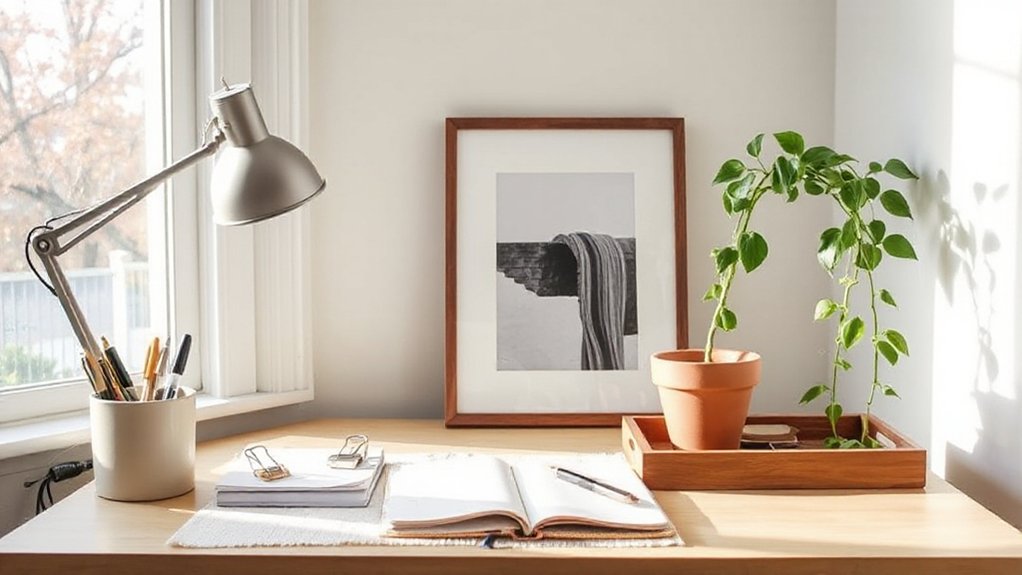
Because your desk sits at eye level all day, small $5–$20 upgrades make the biggest visual impact without crowding your work surface. Swap in a slim, color-matched desk mat to define your zone and protect the top.
Then add a low-profile pen cup or tray in a contrasting finish for tidy lines. Choose ergonomic accessories that look intentional: a compact wrist rest in neutral leatherette, or grippy silicone cable clips that keep cords tucked along the back edge.
Bring in personalized decor with one framed mini print, a nameplate, or a small photo in a single accent color pulled from your textiles. Finish with a matching coaster and a refillable gel pen set for polished, practical detail.
Build a Focus Zone With Light, Sound, and Boundaries
Those small desk upgrades look even sharper once you shape the area around them into a true focus zone. Aim your setup toward a wall or window edge so your screen isn’t floating in the room. Then define the perimeter with a slim rug, a folding screen, or a bookshelf turned sideways. Keep the palette calm: one warm neutral, one accent, and black or brass hardware for crisp contrast.
Layer ambient lighting instead of blasting overheads. Add a $10–$20 lamp with a soft bulb and tuck an LED strip behind your monitor for gentle bias light. For sound, try sound masking: a small fan, white-noise app, or playlist at low volume.
Finally, set boundaries—close the door, wear headphones, or post a “focus” card.
Frequently Asked Questions
How Can I Refresh My Home Office Without Buying Anything New?
You can refresh your home office by rearranging furniture for better flow, swapping art between rooms, and staging DIY decor. Use organizational hacks—label jars, corral cords, and zone supplies. Add color via textiles, paper.
What Are the Best Budget Plants for a Low-Light Home Office?
Pick pothos, snake plant, ZZ plant, and cast-iron plant—they thrive in low light and stay cheap. Add succulent varieties near your brightest spot. You’ll get air purifying plants with green depth, compact silhouettes.
How Do I Reduce Echo and Improve Acoustics Inexpensively?
Reduce echo by adding Acoustic panels at first-reflection points, laying a thick rug, and filling shelves with books. Hang Soundproof curtains in a deep neutral to soften glass. You’ll get cleaner calls and calmer sound.
Which Paint Colors Make a Small Home Office Feel Bigger?
Choose light neutrals, soft cool blues, or pale greige to expand a small office—you’ll brighten, you’ll lift, you’ll open. Color psychology favors calm hues. Pick paint finish options like eggshell or satin to reflect light.
How Can I Make My Home Office Look Professional for Video Calls Cheaply?
You’ll look professional cheaply by facing a window, using a plain light backdrop, and tidying cables. Add ergonomic furniture and smart storage solutions. Choose cool, pale colors, a small lamp, and one crisp accent.
Conclusion
You don’t need a full makeover to revive your home office. Start with a 15‑minute reset, shift your layout, and tuck cables out of sight so every inch works harder. Swap in warmer bulbs, soften your chair with an added cushion, and punch up the palette with a throw, peel‑and‑stick accents, or a small desk plant. Layer light and sound boundaries, and your space will feel fresh—like opening a crisp new notebook.